I ignored this until now and just skipped all the warning and errors and didn’t have any problems so far. (More errors appear when connecting via USB to Black) But now I’m really getting startet on my engine since all the mechanical problems should be solved soon so I wanted to do that properly.
So i now opened a fresh project in current software and wanted to use the compare Parameters function to get some of my parameters into the new project faster. I only can click on one parameter at the time and right click to “use file value…” would it be possible to:
sort by stuff: like inputs, outputs etc.
or put a search bar so that i can search for all inputs or outputs etc.
.
for me to click more than one value with control and/or shift to import more at once?
or double click to use that file value in the project? would be fast as well.
When we can expect sw update for ecumaster black v3? At the moment(3.054a) when i double click on any table to open/close working only open if window is not opened at that moment, if window is opened and hided in background you should close/move rest windows to find it, a bit annoying and slows down work.
Edit - solved our VVT issue, however, lambda is very erratic, even after calibration, not sure there’s much we can do about this. We have checked the sensor using another reader and the sensor is fine. It doesn’t match even vaguely the readings of a standalone sensor. I’ve added the 5v feed to make sure I don’t get the wide open sensor failure, but can’t get any good readings at all.
My trigger seems to be having issues in V3, using the Rover 18-1-18-1 Crank settings. It seems to be ignoring most of the teeth on the wheel. When I downgrade the firmware 2.175, I get the correct patterns on the Cam and Crank. Same trigger settings between the two. Any suggestions?
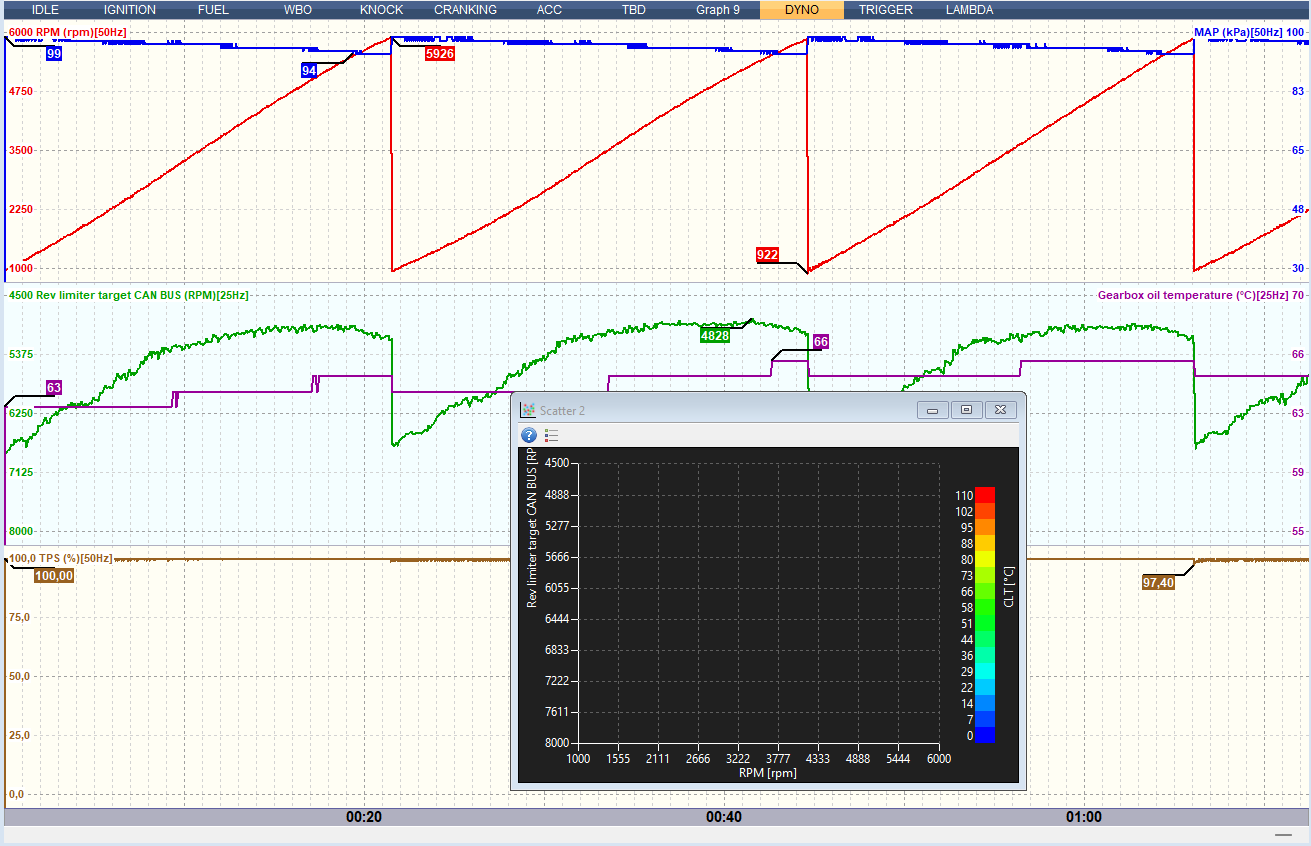
I am updating to 3.054 and increasing the rev limiter a bit. I have not tested the new limiter at the track yet. I can increase the values in the rev limiter tables, but the Rev limiter target measurement variable still shows a maximum of 15000 RPM.
I think the new increased rev limit probably works and that its only the range of the measurement point that needs to be fixed?
Is there any option to pop up table selected at parameters list? I mean, in V2 when i have already that table somewhere hidden under other tables or log in desktop window, when i select it again in parameters, it pops up as its active table. In V3 does not, so i must search and dig for it.
Is there a bug in the MAP readings for V3? This is on a 2zz Lotus. We have two issues currently, one where despite setting it 3 times it’s coming back with readings at 200kpa+, and another where it doesn’t seem to be giving us the right temp readings. It doesn’t seem to be reading the air temp on startup correctly.



 Sorry for bothering.